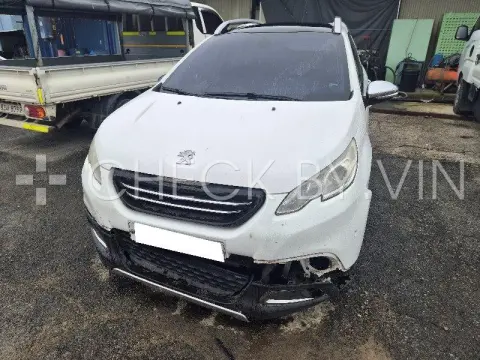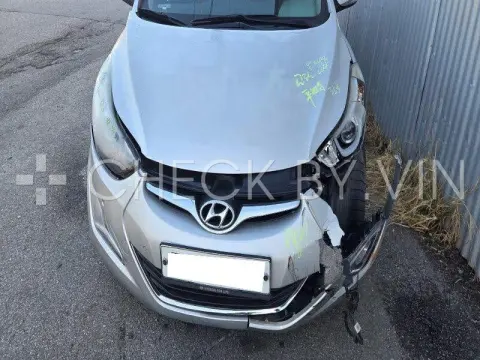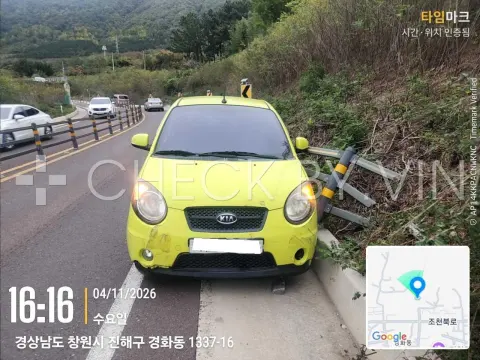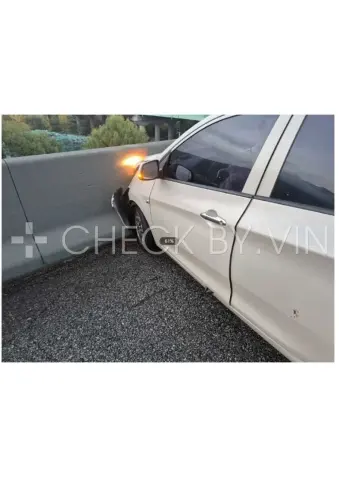
Photo unavailable
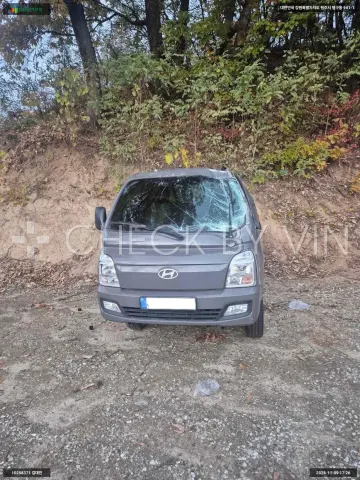
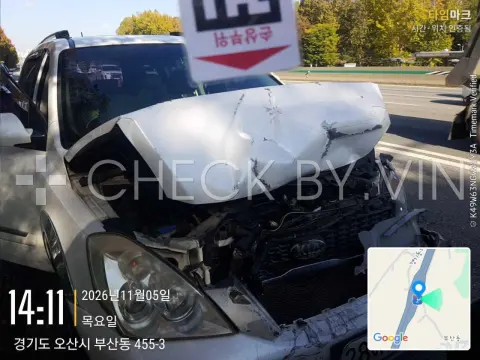
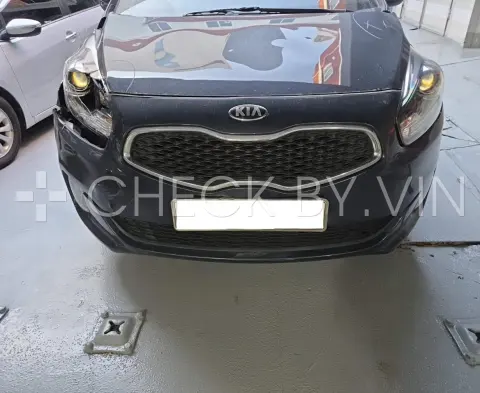
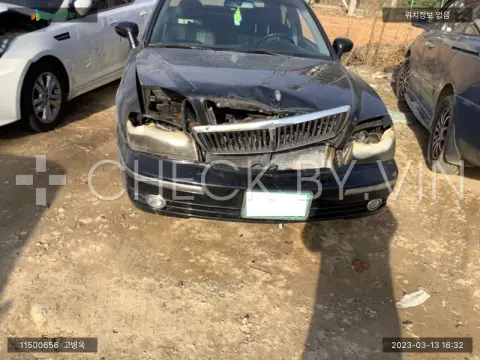
Public auction · damage
View auction listings, specifications and photos from South Korea.
Enter a VIN, model or listing number, or select a make in the catalog.
View photographs, specifications, the description and auction date.
New listings and vehicles with past auction dates share one catalog. Filter them by make and model year.
An insurance classification in the listing. It does not alone describe repair scope or current condition.
The listing states partial insurance damage. Read the individual listing description for details.
The record has no damage category. This does not mean the vehicle is undamaged.
Enter the VIN in the search field. Results will show listings containing that VIN.
A listing stays in the catalog after its auction date. A past date does not confirm that the vehicle was sold.
checkby.vin publishes auction listings. It does not conduct auctions or sell vehicles.
Open the removal section and contact us with the VIN or listing URL.
The removal section concerns checkby.vin only. We cannot change records on other websites.